
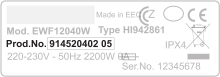
We’ll help you find the right part
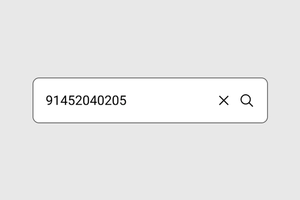
Enter your Product Number Code (PNC) to identify your appliance and see compatible spare parts
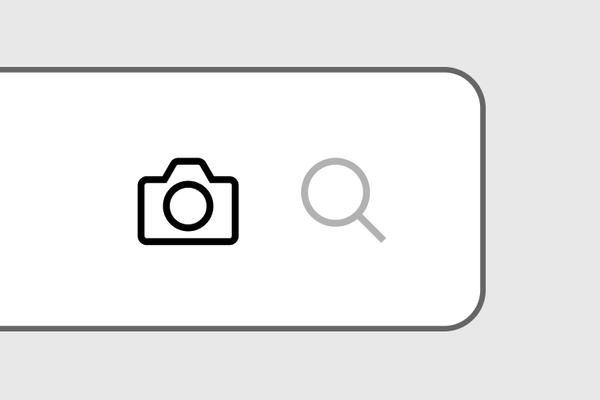
Search by photo
Take a photo of the serial plate to search for spare parts.
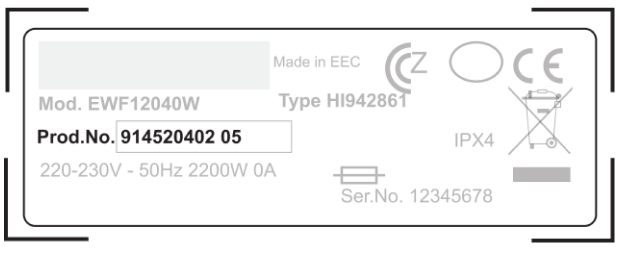
Make sure to capture the entire rating plate in a straight angle
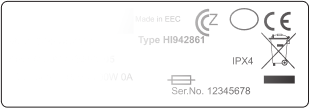
Avoid glare to make sure all digits are clearly visible
How to find your spare part
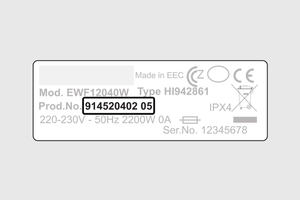
Finding the right spare part takes 2 steps. You’ll need your Product Number Code (PNC), the identifier of your appliance.
Follow the guide below: find your PNC, choose the right part, and register your appliance for easy access to compatible parts in the future.
Step 1
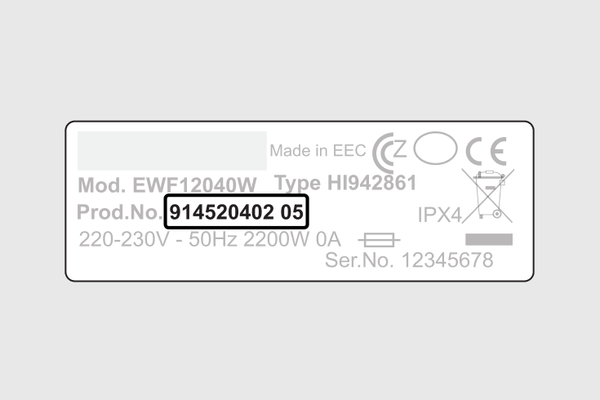
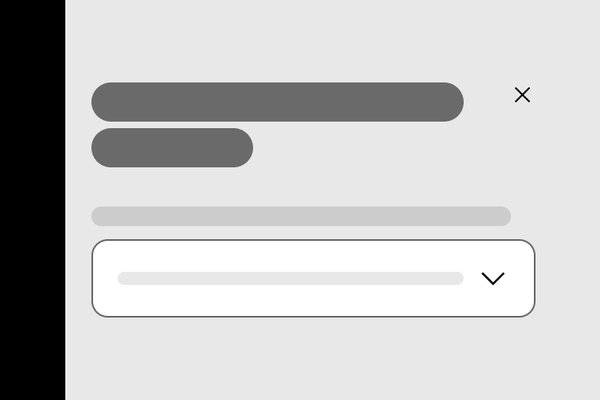
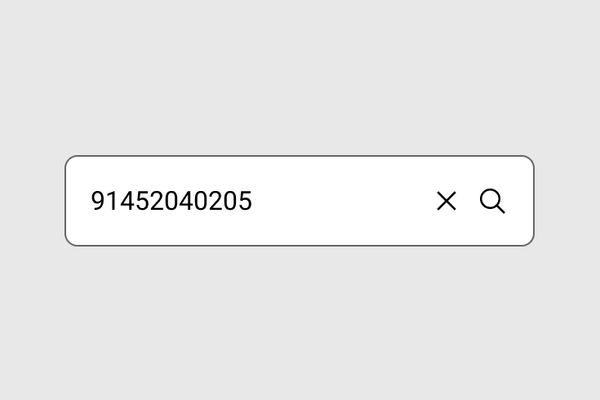
Step 1
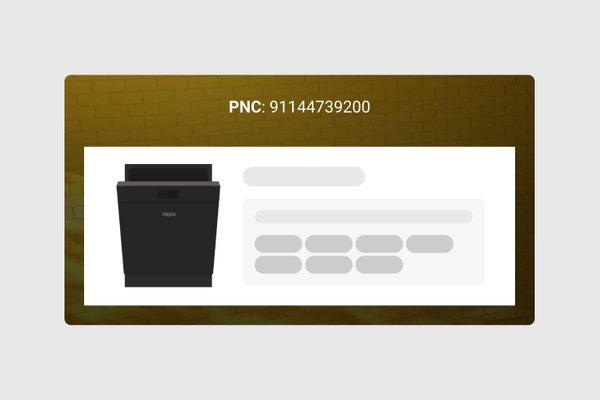
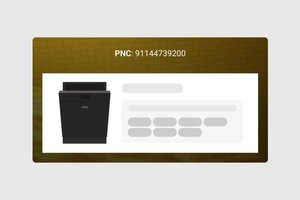
Find your Product Number Code (PNC)
Start with your PNC, the quickest way to find compatible parts.
Step 2
Step 2
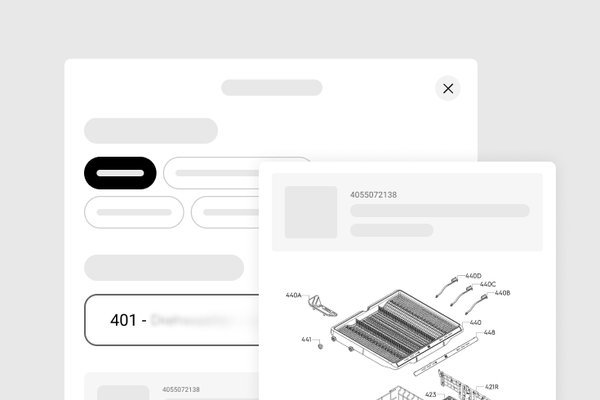
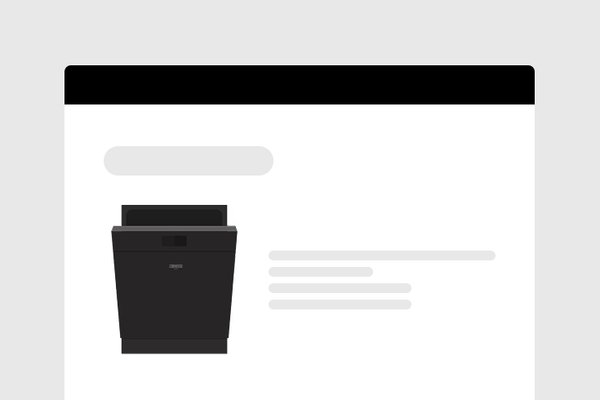
Find your spare part
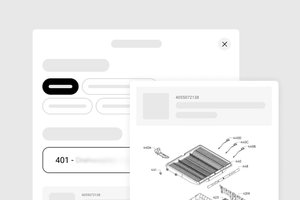
With your PNC entered, browse compatible parts and find your item in two ways: use filters or the visual Part Finder.
Step 3

Step 3
Register your appliance
Create an account and register your appliance once. Next time, open My products to go straight to compatible parts.